Select Region/Country
 Global
 Nigeria
 Kenya
Kenya
This website uses cookies to enhance your experience. Learn more here:
The Moniepoint USSD code for easy offline banking.
Activate the USSD feature to easily transfer funds, top-up airtime and data, check your balance, reset your PIN, block and unblock your account without internet connection.
Dial *5573# today.
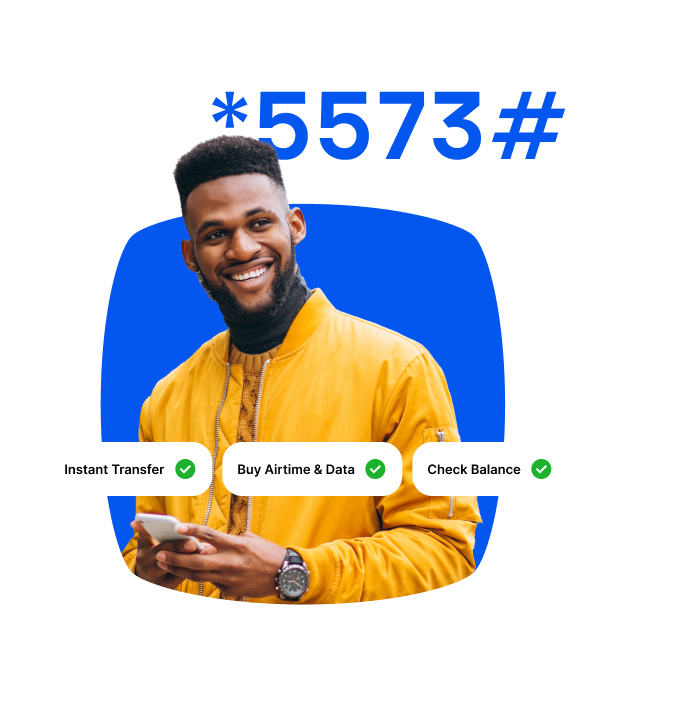
No Internet?
No Worries
Bank with *5573#
Enable USSD NowEnjoy Instant and Smooth Transfers
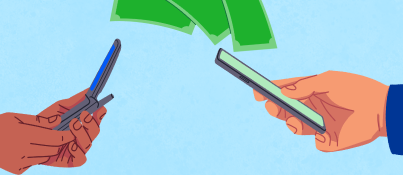
Easily transfer funds to your friends, family, and vendors without the challenge of a hanging network connection.
Buy Airtime and Data
No data to buy data? Keep the conversation going. Dial *5573# to buy airtime and data for yourself and your friends speedily.

Secure your Account
Not sure if your account is compromised? Your peace of mind is guaranteed! Block and unblock your account with or without your phone by dialing *5573*911#.

Check Balance, Reset PIN, & Retrieve OTP
Dial *5573# to stay informed of your financial details, retrieve your OTP, and reset your PIN securely anytime, anywhere.
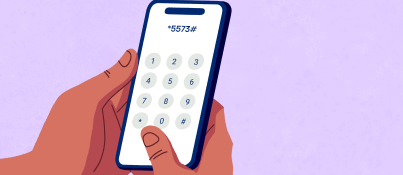
Here's how to activate your USSD code
1
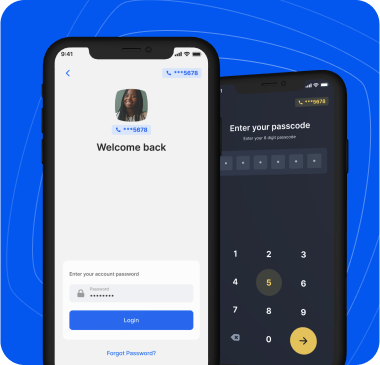
Log in to your account
Open the Moniepoint Personal or Business banking app and log in to your dashboard.
2
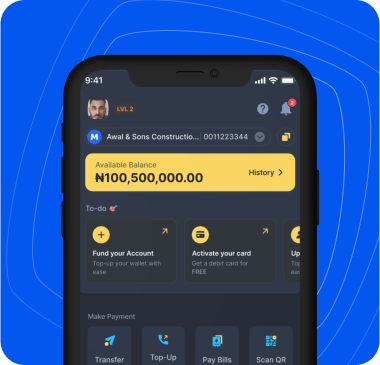
Go to the Settings menu
Click on your profile picture at the top left corner of your dashboard and then click on the Settings menu
3
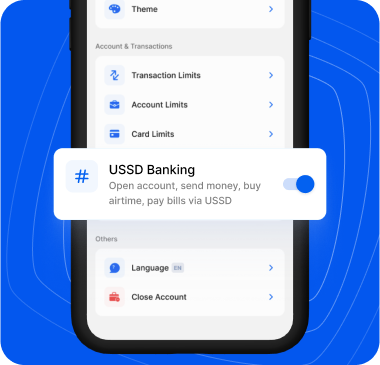
Turn on the USSD feature
Locate the USSD Feature option and switch it on to activate it.
4
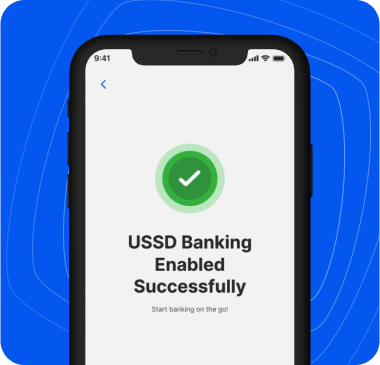
You're done!
Enjoy easy offline banking. Transfer funds, top-up airtime and data, check your balance, reset your PIN, and block and unblock your account without an internet connection.
Frequently Asked Questions
As an existing customer, you can enable the USSD channel from your mobile or web applications via settings. You will need to authorise this action using your user PIN.
To maintain a reliable 24/7 service, we've introduced a ₦10 fee for transactional services like transfers, airtime/data purchases, balance checks, and PIN changes. For essential services, e.g getting an OTP, activating your account, and blocking your account/card via the Emergency Menu (*5573*911#) or Main menu (*5573#), remain completely free. We'll keep this list updated as we go. Some services might move between the "billable" and "free" lists in the future as costs and market conditions change. Moniepoint will always keep you informed in advance.
You can either access the specific flow by dialing the main USSD code *5573# and selecting the relevant flow from the main menu or dial a slightly extended code that can directly lead you to the needed flow. The available shortcodes and menu codes include:
| General USSD Code | *5573# |
| Check Balance | *5573*5# |
| Transfer to Moniepoint | *5573*1*Amount*Account Number# |
| Transfer to Other Banks | *5573*2*Amount*Account Number# |
| Buy Airtime for self | *5573*Amount# |
| Buy Airtime for others | *5573*Amount*Phone Number# |
| Buy Data | *5573*4# |
| Change User PIN | *5573*6# |
| Forgot User PIN | *5573*7# |
| Block/Unblock Card | *5573*911# |
| Block/Unblock Account | *5573*911# |
| Forgot Username | *5573*73*1# |
| Verify Phone Number | *5573*74Code# or *5573*74*Code# |
| Get OTP | *5573*73Code# or *5573*73*Code# |
| Activate Account | *5573*99Code# or *5573*99*Code# |
| Card Activation | *5573*111# |
The various USSD functions and their limits include:
- Transfer single limit: 20,000
- Transfer daily cumulative limit: 100,000
- Airtime single and daily limit: 10,000
- Data single and daily limit: 10,000
No, any sensitive operation (seeing the balance, performing any kind of transaction, changing the user PIN, etc.) will need to be authorised through the user PIN.
The channel can be enabled from either the mobile application (business or personal) or the web app.
- On the mobile apps, click on your profile picture -> Click on settings -> Turn on the USSD Banking feature.
- On the web app, click the settings icon -> Security tab -> USSD banking toggle.
- Note that enabling/disabling the channel requires PIN authorisation.
Yes, you can always enable/disable the channel from the settings pages in the personal & business applications and on the web application.
Make sure you dial the USSD code from your registered mobile number with your account; this could happen when you dial the USSD code from an unregistered mobile number.
If you have chosen to use a different phone number during your onboarding process from business to personal or vice versa, that will affect the accounts you see when you use the phone number to dial the USSD code.
For example: If a user already has a Moniepoint business profile and account using phone number A, logs into the personal app, and chooses a different phone number B for personal use, dialing the USSD code with phone number A will only allow them to see their business accounts, while dialing with phone number B will show only their personal account(s).
You can now dial the Emergency Menu code *5573*911# from any phone, even one not registered to your account. Follow the prompts for "Stop Debit transactions" to instantly secure your account.
Yes. You can now unblock your own account from any phone using the *5573*911# menu, as long as you provide the correct phone number or account number and PIN.
Not at the moment, but this feature will be available soon.
Change User PIN (*5573*6#) is used when you know your current PIN and want to change it. Forgot User PIN (*5573*7#) is used when you cannot remember your PIN and need to reset it.